 Improver
Put in the hours.
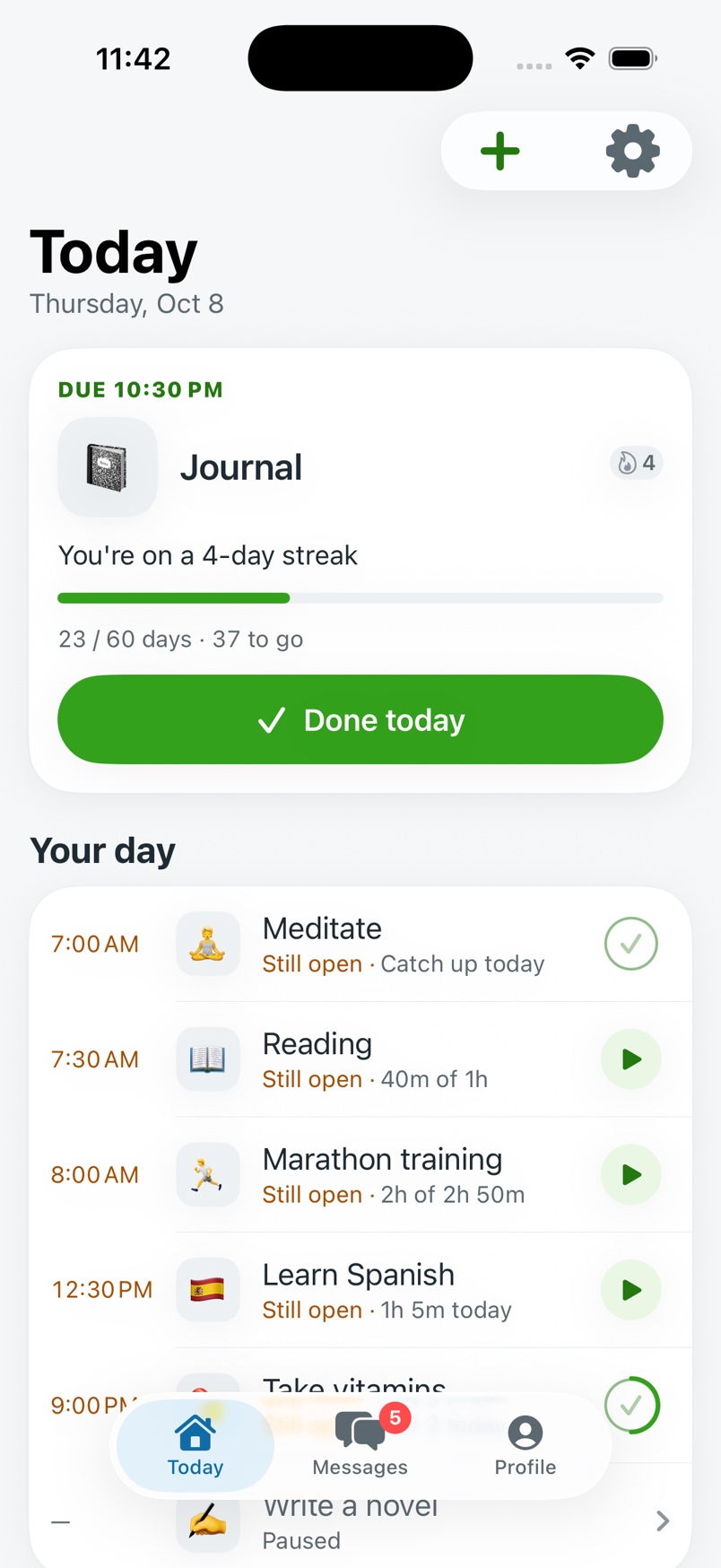
Pick a goal, how many hours or days it takes, and a deadline. Each morning Improver gives you one honest number: what to do today. Do it, and a companion grows with every day you show up.
- Goals in hours or days
- Timer on the Lock Screen
- Widgets
- No ads
How it works
-
Pick a goal and a deadline
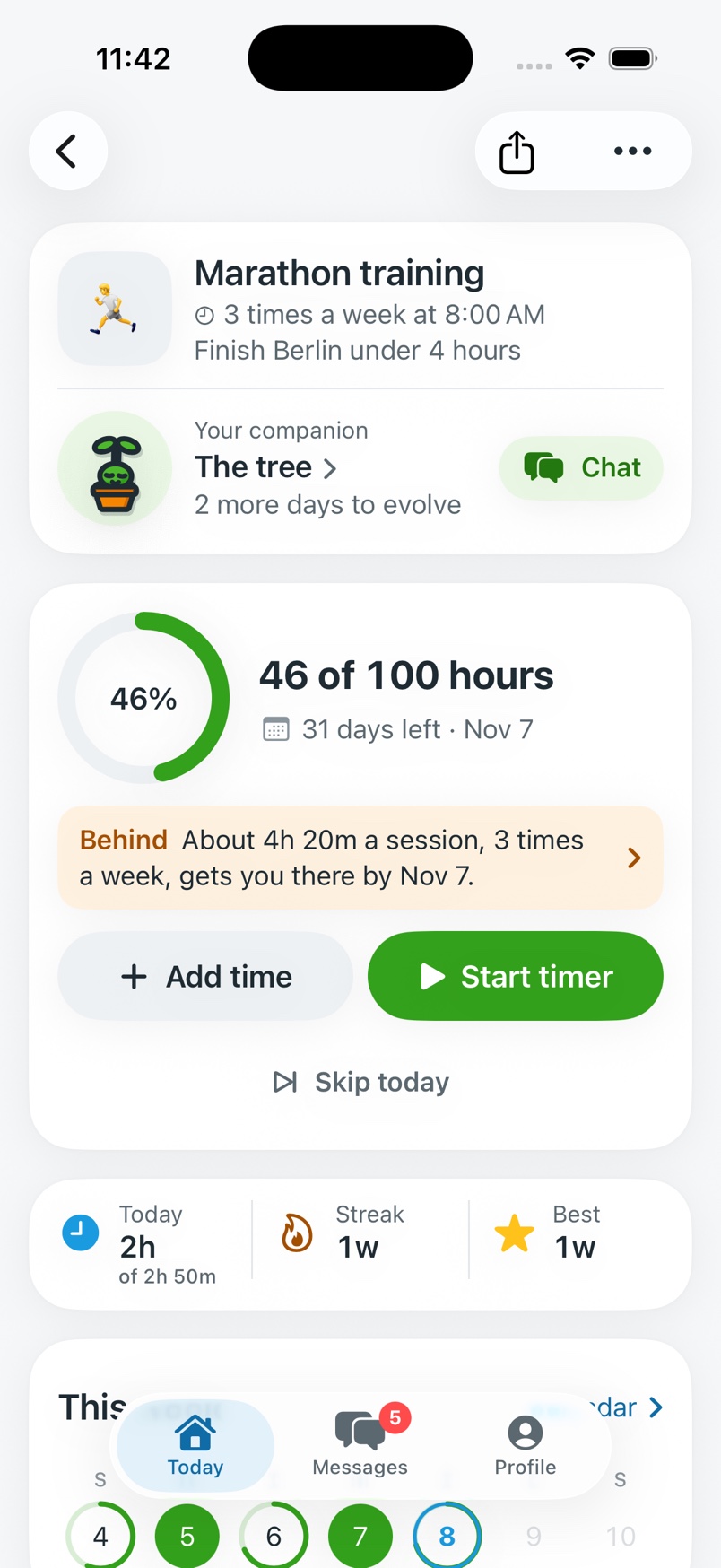
Count it in hours ("100 hours of marathon training by November 7") or in days ("60 days of journaling"). Choose a companion to raise alongside it.
-
Get today's number
Hours left over days left, worked out fresh every morning. One number, on the Today screen and on your Home Screen.
-
Put the hours in
Start the timer, add time you already did, or mark the day done. The streak counts, the companion grows, tomorrow's number adjusts.
One honest number a day
Do more today and tomorrow eases off. Skip a day and it climbs a little. No guilt, just math.
When the number stops fitting your life, the goal page says so in plain words and offers a new plan: move the deadline, do a set amount a day, or aim for a smaller total.
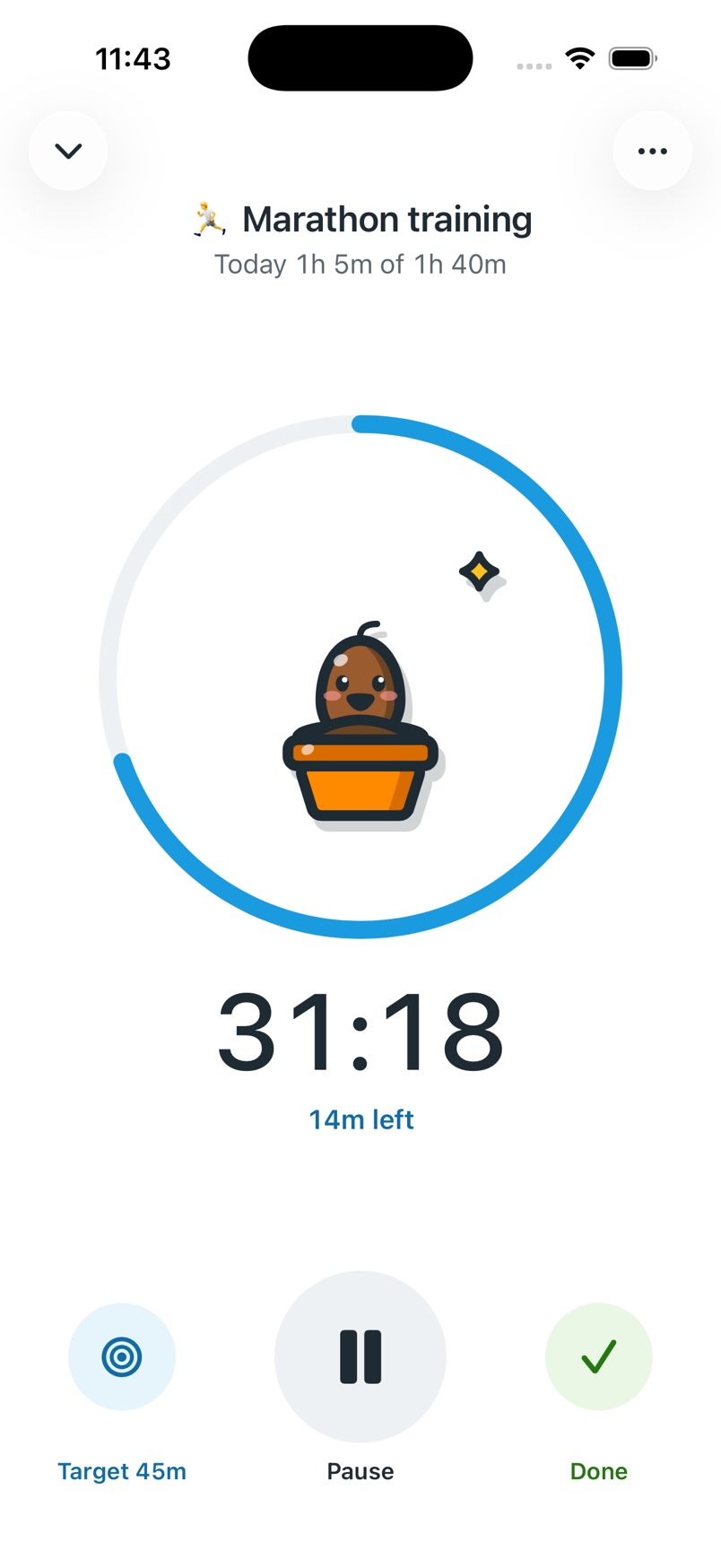
Start it and put the phone down
The timer keeps counting on the Lock Screen and in the Dynamic Island, with Pause and Stop right there. Done saves the session to today.
Did twenty minutes on the bus without the timer? Add it on the Today screen in two taps.
Something small is counting on you
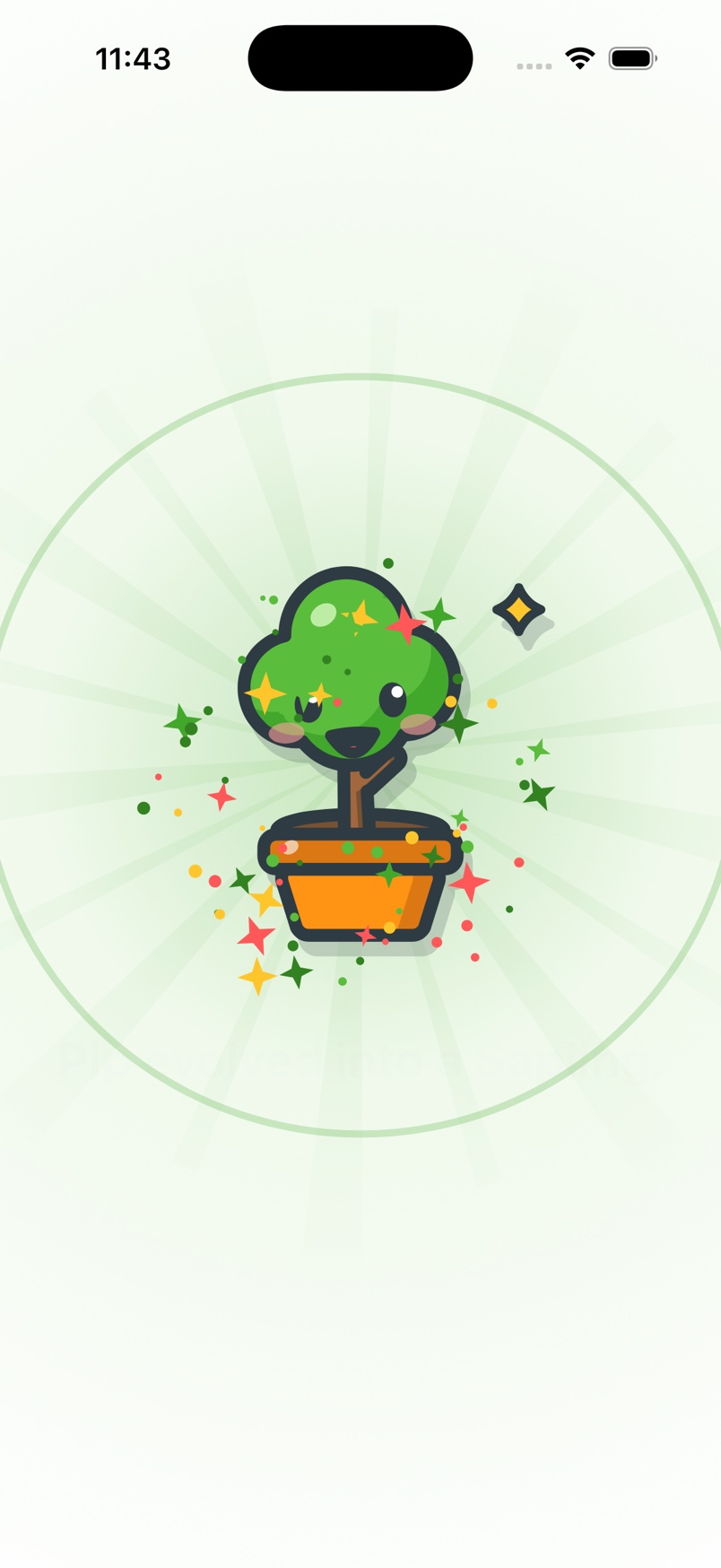
Every goal raises a companion. It reacts to your day, keeps your streak, and never shrinks when you miss one.
Show up enough and it evolves, right there on the screen.
- Twenty species
- Tree, chicken and fish from the start. The other seventeen, from a cactus to a unicorn, unlock as you reach milestones.
- Five stages each
- Egg to fully grown. Some grow with the days you hit your target, some with your best streak, some with weeks won.
- Shiny ones exist
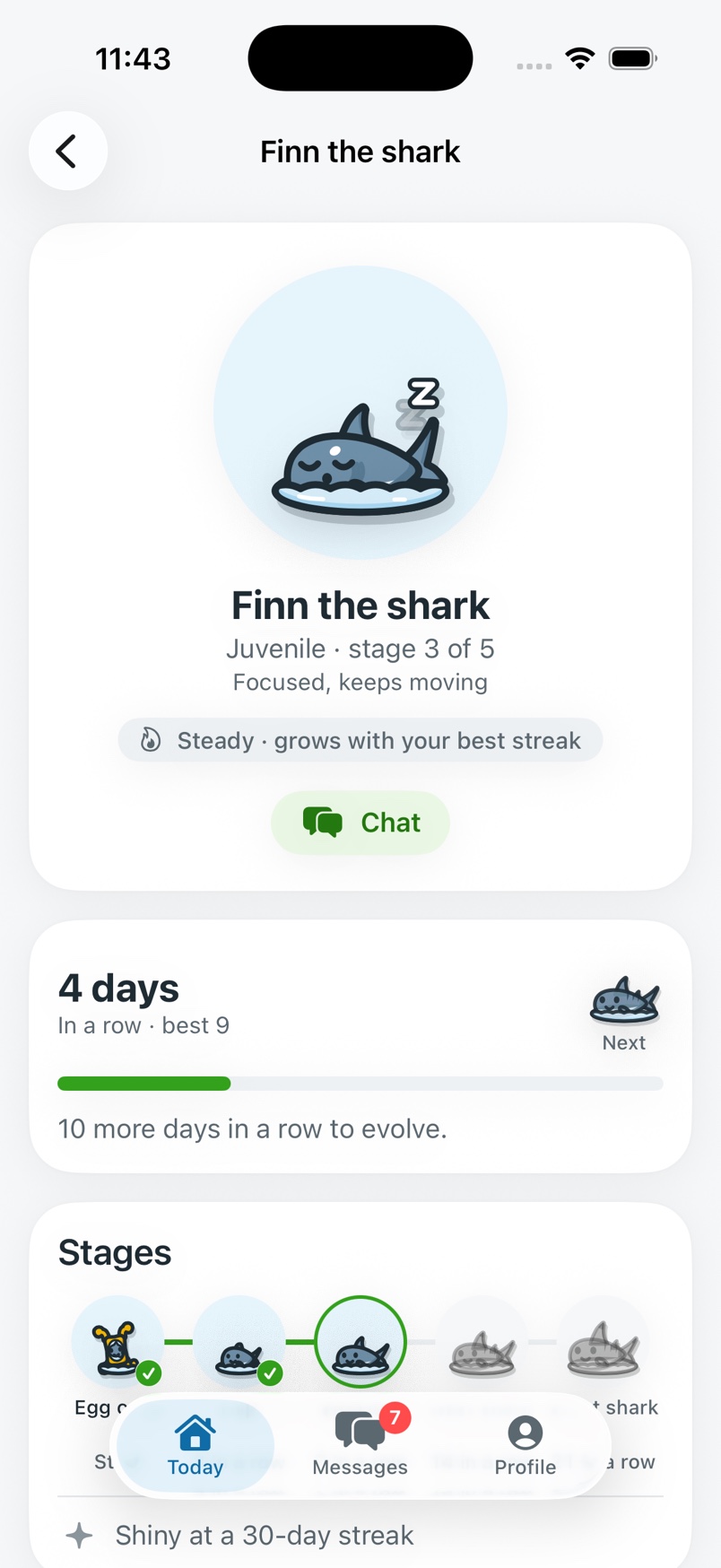
- Each species has its own bar, like a 30-day streak.
Each one has a page
Its stage, its temperament, how many days in a row you've shown up, and exactly what it takes to evolve next.
Finish the goal and it retires to your collection with the numbers that grew it.
The rest of the kit
- Streaks
- Days in a row on each goal, and your best run, on the card, the goal page and the widgets.
- Widgets
- Today's number, progress and streak on the Home Screen and Lock Screen, without opening the app.
- Reminders in its voice
- At the times you set for each goal, plus one evening check-in, written by your companion. Always with a real number, never a guilt trip.
- Days goals
- For things you just need to do: meditate, journal, stay off your phone in bed. Mark the day done, no timer needed.
- A plan that bends
- Pause a goal for a holiday, skip a planned day, or adjust the plan when the deadline stops making sense.
- Notes and photos
- Add a note, a photo, a video or a voice note to a session to remember how it went.
Your hours, kept
Your hours are backed up to your account, so a new phone picks up where you left off.
- Sign in with Apple, Google or an email code
- No passwords. Your iPhone stays the source of truth and works offline; changes back up when there's a connection.
- Anonymous usage data, not linked to you
- Which screens get used, never your goals, notes or hours. One switch in Settings › Privacy turns it off.
- No ads, no selling, no tracking
- Reminders are scheduled on the phone. Delete your account in Settings and the backup goes with it. The privacy policy has the details.
Pick something worth your hours.
Set the total and a deadline. Tomorrow morning there will be a number, and something small waiting to grow.